 Group Fun Hub
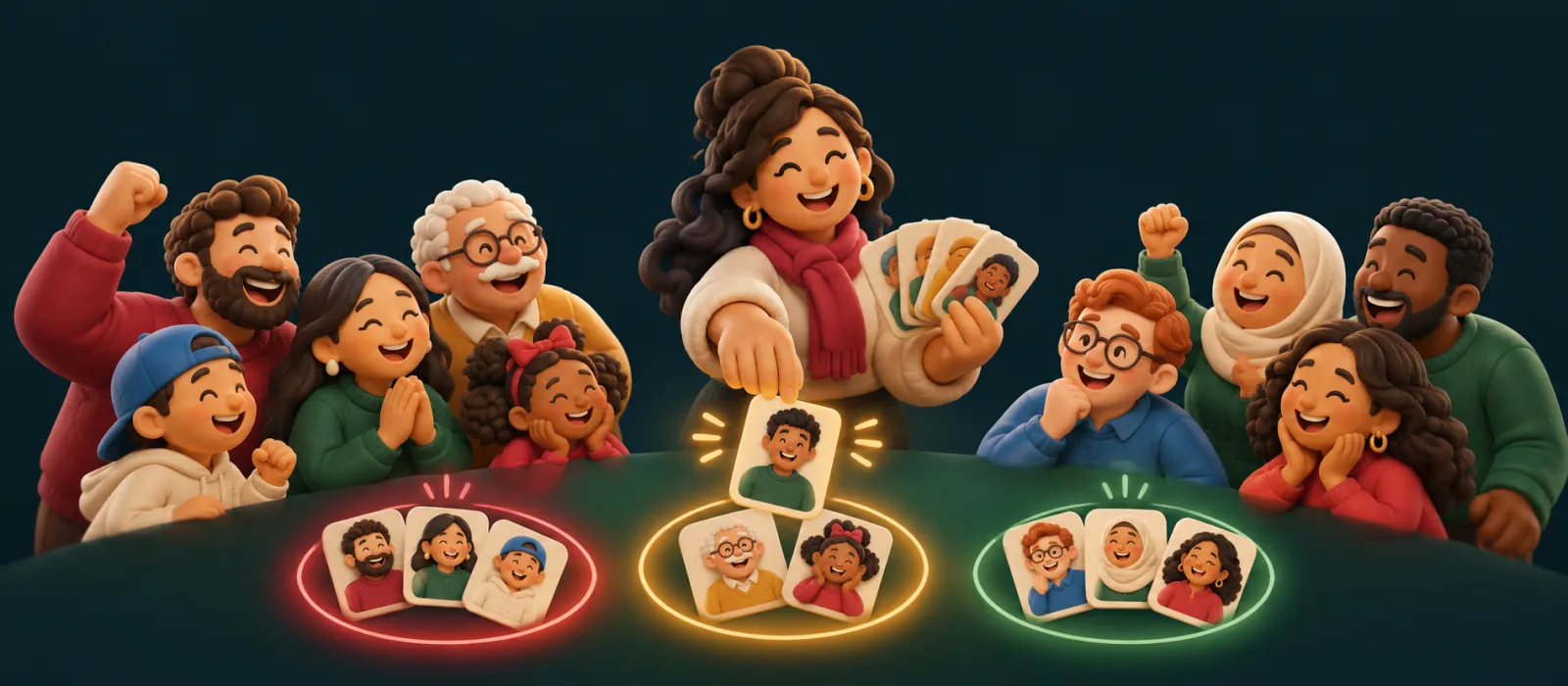
How the random team generator works
- Add players. Type or paste names. Save them as your group to reuse in every Group Fun Hub tool.
- Pick the split. Choose how many teams you want, or how many people per team.
- Tap Make teams. Names are shuffled fairly and dealt so team sizes never differ by more than one. Not happy? Shuffle again.
Perfect for
Couples, best friends and households
Some people always end up together and then dominate the quiz. List them under Couples & households and choose Split them, and each one lands on a different team. Organising car-sharing or family tables instead? Choose Keep together.
Questions
Are the teams really random?
Yes. Names are shuffled with your browser's cryptographic random generator, then dealt so team sizes never differ by more than one.
Can I keep couples apart, or together?
Yes. List them, then pick "Split them" or "Keep together". A household bigger than the number of teams is spread as evenly as possible.
Can I choose team size instead?
Switch to "People per team". With 10 people and 3 per team you get 4 teams of 3, 3, 2 and 2.
How do I share the teams?
Tap Share to send a link that shows the same teams, or Copy to paste them into WhatsApp, Slack or Teams.
Is my list stored anywhere?
Only in your own browser. There's no account and no server database.
More free games & tools
Trivia Night
Quiz on the big screen, answers from phones, live leaderboard.
🧊Icebreaker Questions
140 fun questions for meetings, parties and family dinners.
🎡Wheel of Names
Spin to pick a winner, a presenter or who pays for coffee.
☕Coffee Roulette
Random coffee pairs for coworkers, clubs or friends. No repeats.
🧰Event Kits
Office break, game night, birthday at work: whole sessions with every step lined up.
💛Celebrations
Invitations, group wishes, RSVPs and thoughtful gift collections. One shared space for your people.